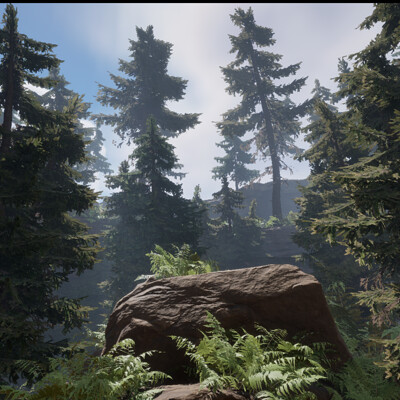
In this ongoing series, I delve into the process of creating professional-quality cinematics using Unreal Engine 5. Through extensive experimentation with video renders, I’ve explored various methods to optimise performance and maximise visual fidelity, all while maintaining manageable file sizes for smoother workflows.
The finalising process takes place within DaVinci Resolve, where I refine my renders, adjusting everything from colour grading to compression settings to ensure the highest quality output. This includes experimenting with bitrate settings, resolution adjustments, and codec configurations to find the perfect balance for a polished, cinematic result.
I’ll be adding more updates and experiments in the coming weeks, so be sure to stay tuned as I continue to push the boundaries of what's possible in Unreal Engine 5 cinematics.